Guided breathing

Let your breath slow the room down.

Breathllama turns one small pause into a guided breathing session with calm visuals, gentle haptics, soft reminders, and optional Apple Health Mindful Minutes.
No account Mindful Minutes Calm reminders
Breathllama active breathing session screen
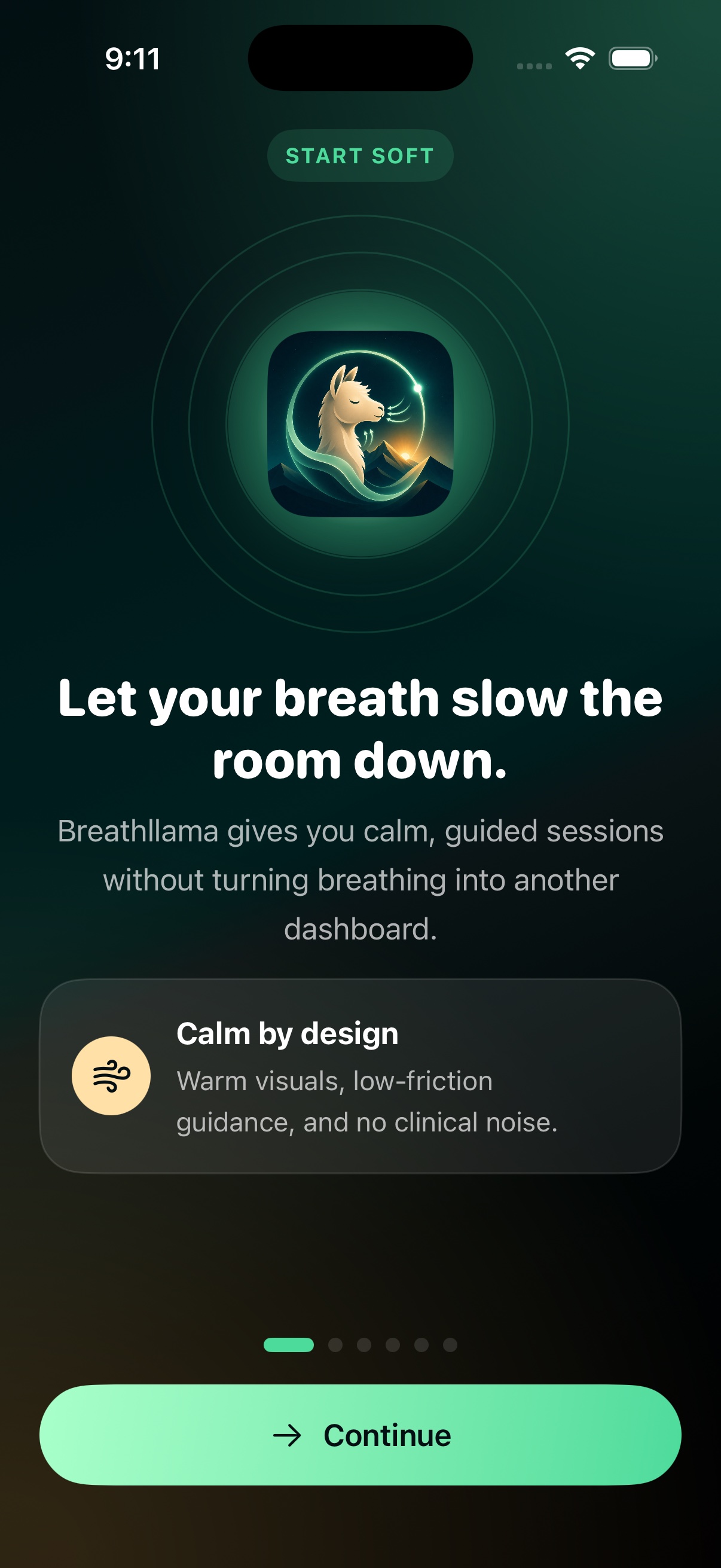
Breathllama onboarding screen
Breathllama Today screen
1Pick

Choose the reset you need

Start with calm, sleep, focus, or a quick downshift from a simple breathing library.

2Breathe

Follow a rhythm you can feel

The visual pulse, haptics, and phase guidance keep the session clear without chart noise.

3Return

Build a gentle practice rhythm

Progress and reminders keep breathing visible without pressure, streak anxiety, or clinical noise.

Sessions

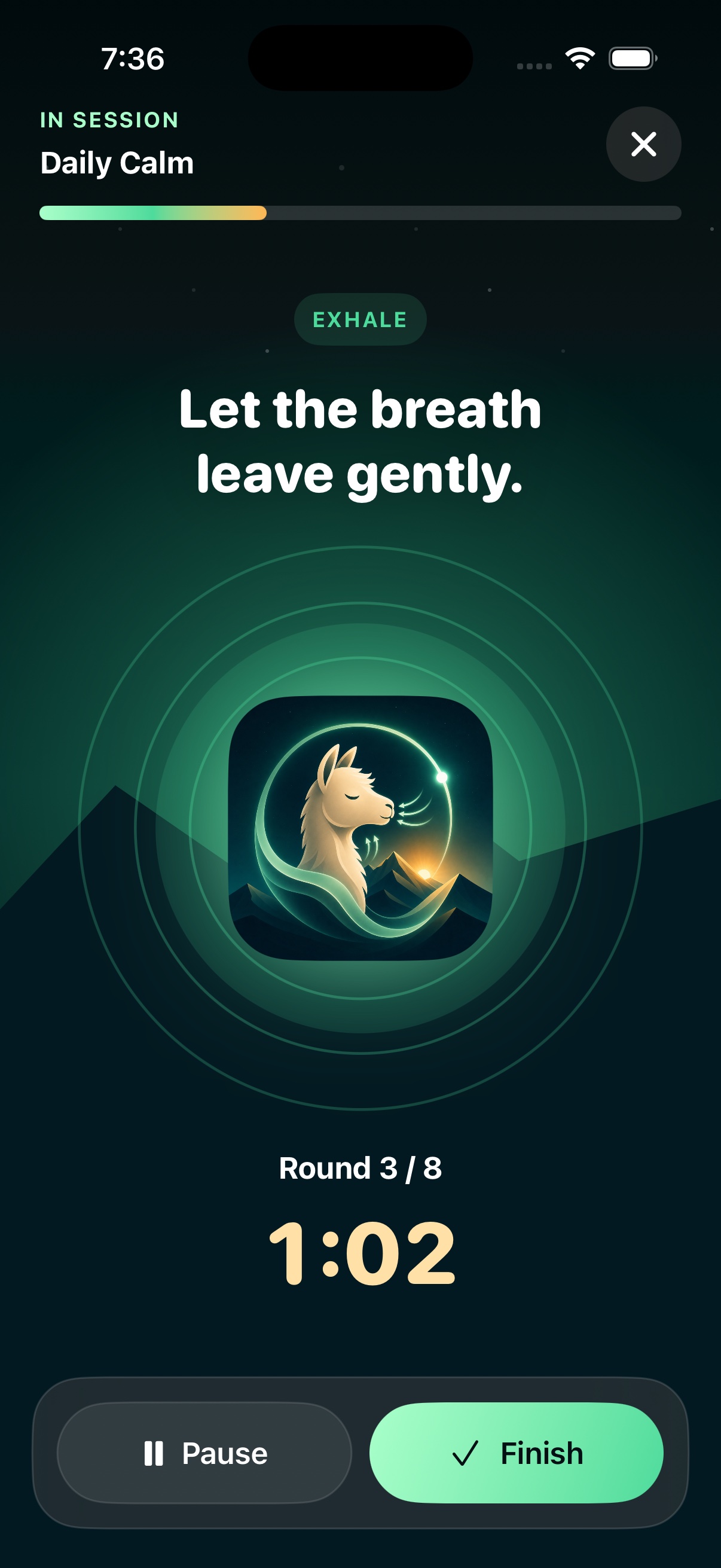
A full-screen practice that feels quiet on purpose.

Breathllama moves from Today into a clean breathing screen with phase labels, a large calm visual, progress, pause, and finish controls. The screen stays focused on the breath.
  • Daily Calm shows the exact rhythm before you begin.
  • Phase animation maps to inhale, hold, and exhale.
  • Pause, finish, and cancel stay reachable during practice.
  • Session state restores when you leave and return.
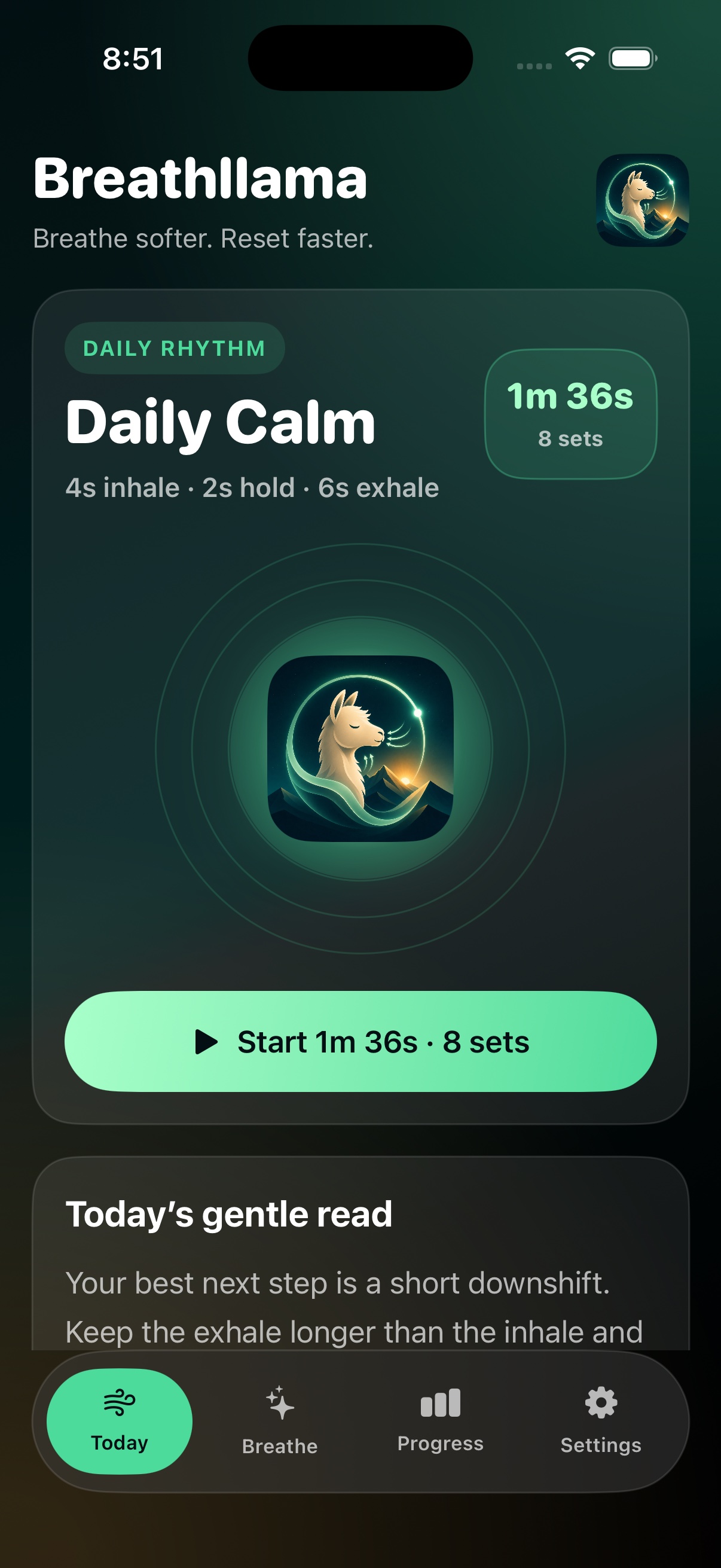
Breathllama Today screen showing Daily Calm
Today starts from action, not analysis.
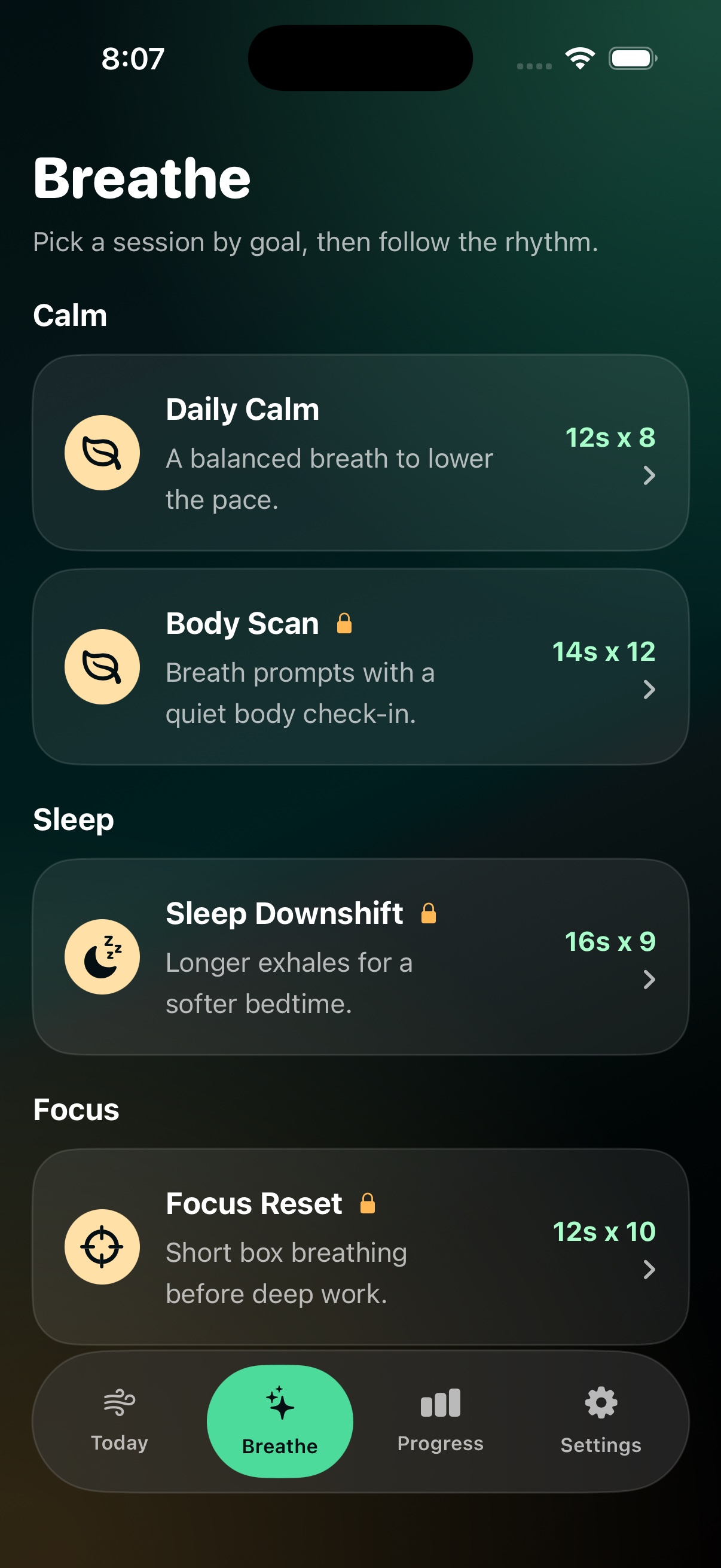
Breathllama breathing library

Pick by goal

Calm, sleep, focus, and body check-ins are grouped by intent.

Breathllama active session

Stay with the breath

Large phase text, timer, rounds, and progress make practice obvious.
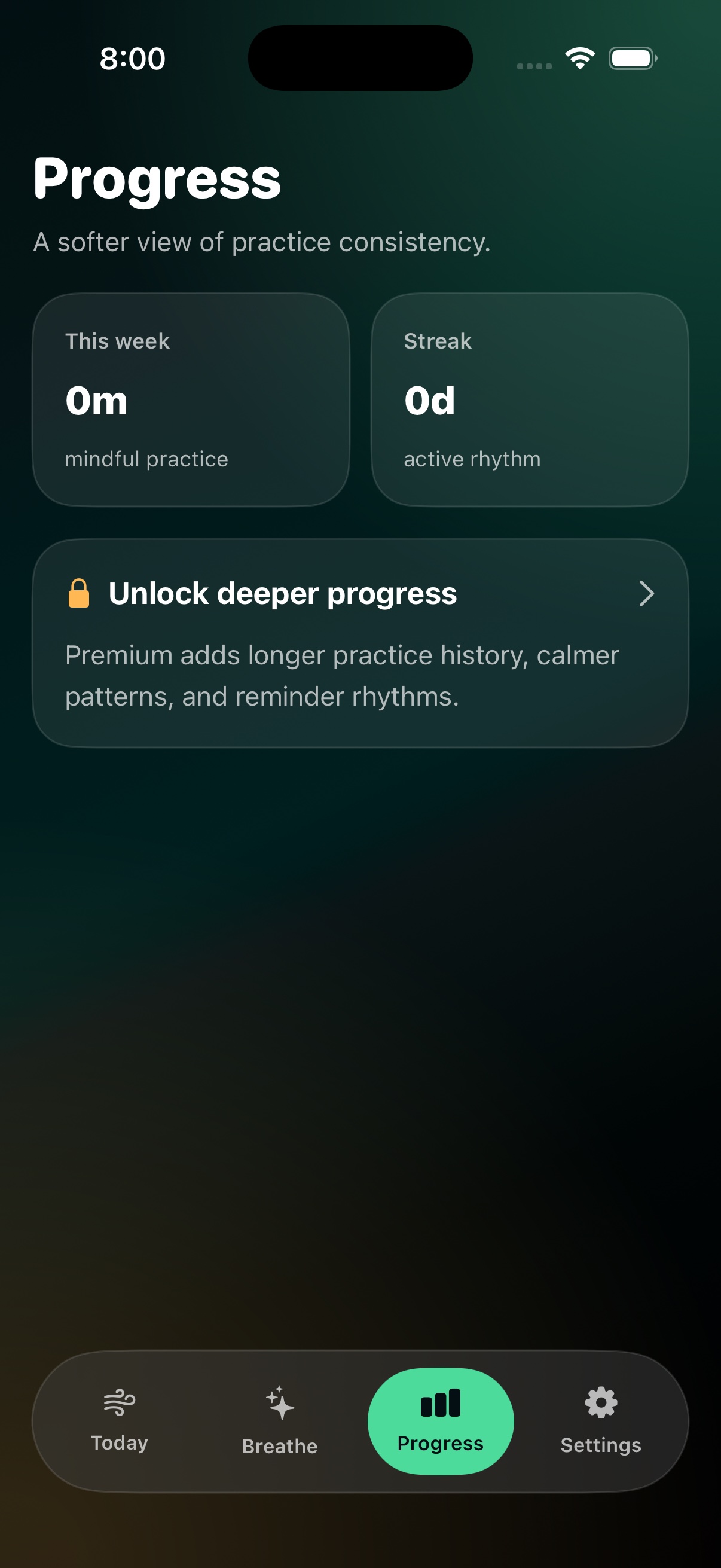
Breathllama progress screen

Return gently

Practice history stays light until the user wants deeper patterns.
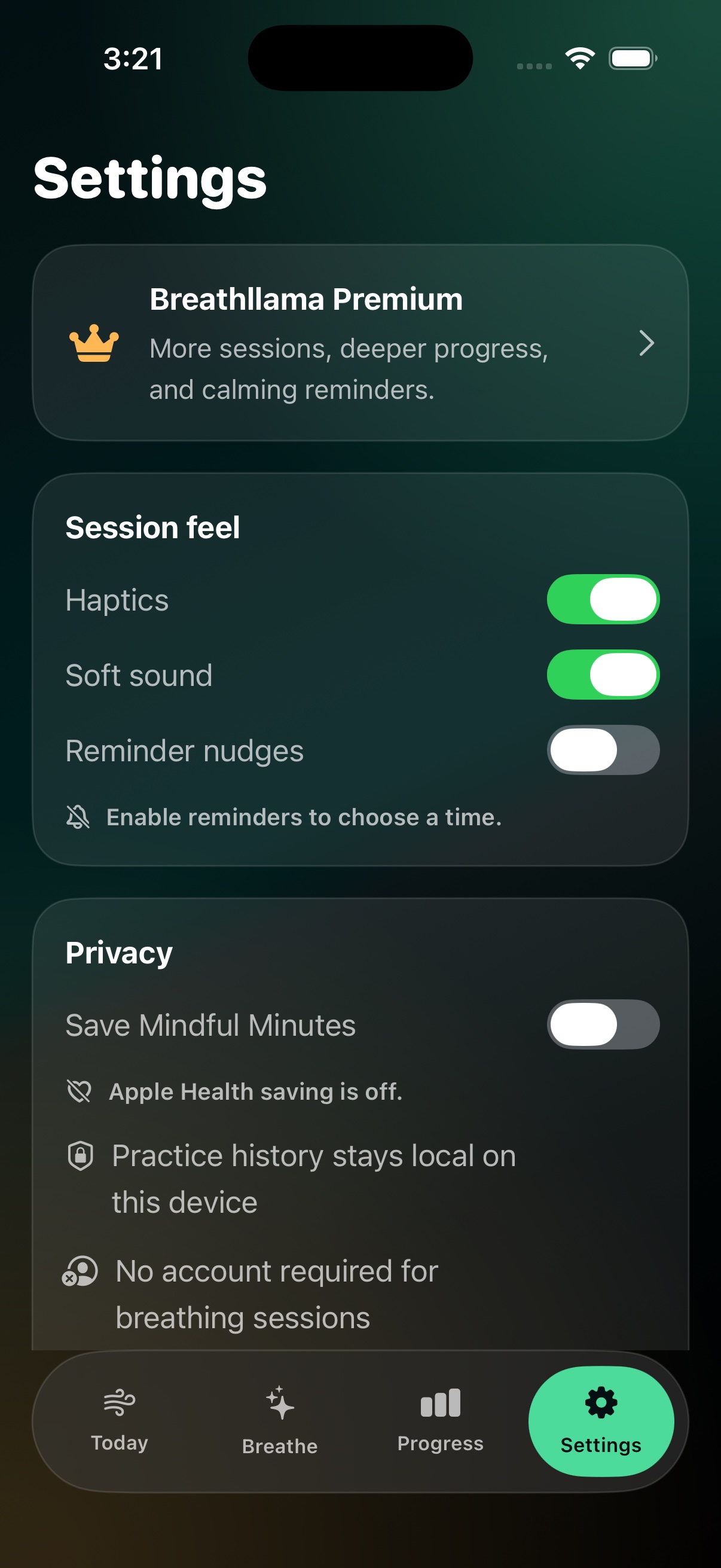
Breathllama Settings screen showing privacy and Mindful Minutes
Apple Health

Permissions happen in context.

Breathllama introduces notifications and Apple Health during onboarding so the request makes sense. Completed breathing sessions can be saved to Apple Health as Mindful Minutes when the user enables it.

  • Notification permission supports reminder nudges.
  • Health permission is optional and user-controlled.
  • Only completed sessions are saved to Mindful Minutes.
Privacy

Built for calm, not collection.

Breathllama keeps practice local-first. Purchase handling uses Apple’s App Store systems, reminders use iOS notification controls, and Health access stays under iOS permission controls.

  • No account required.
  • Apple Health write access is optional.
  • Reminders are controlled through iOS notification permissions.
Breathllama Settings screen showing privacy and Mindful Minutes

Controls stay visible

Haptics, soft sound, reminder nudges, and Apple Health saving are managed from Settings.

Premium

Free calm first. Deeper rhythm when it helps.

Breathllama stays useful for quick daily practice. Premium adds the full breathing library, progress patterns, and smarter reminder rhythms.
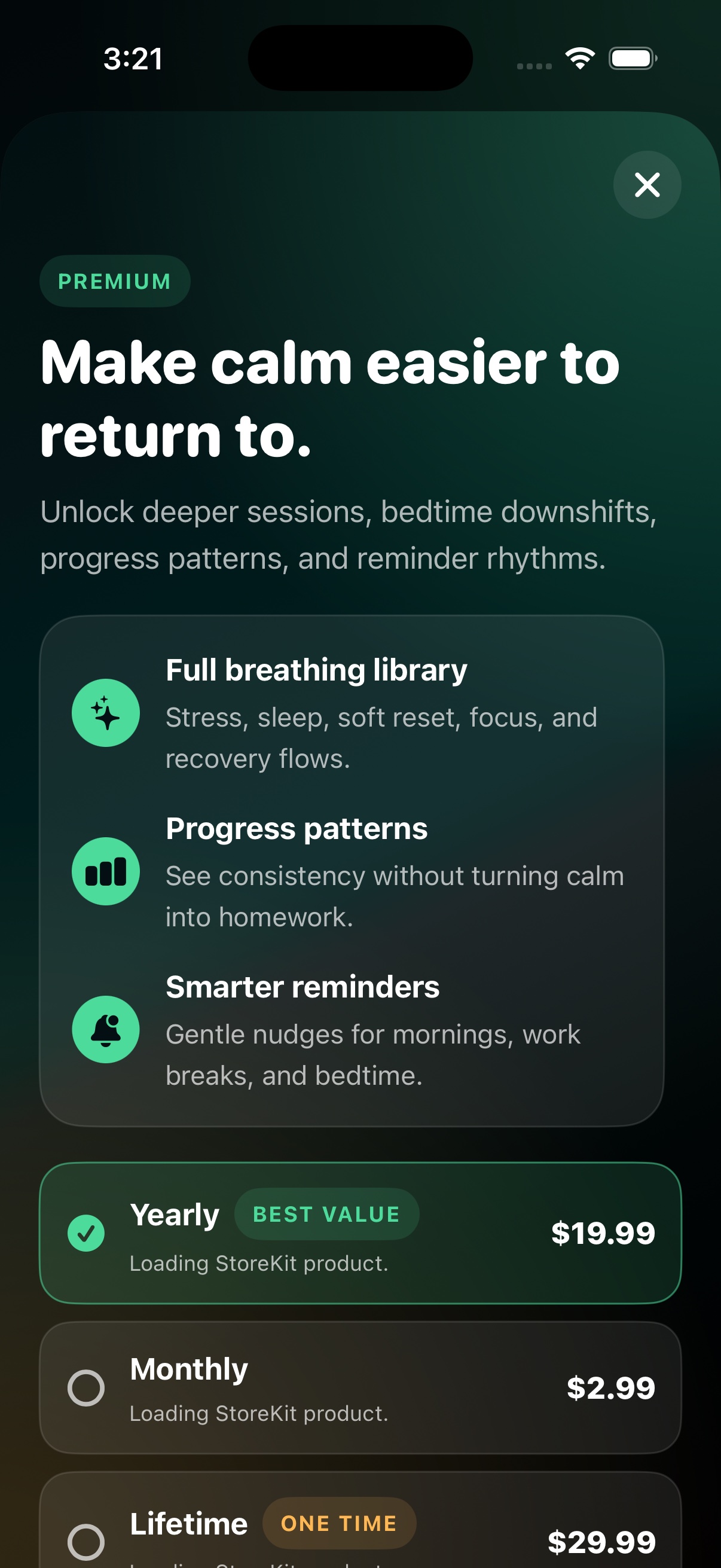
  • Free: Daily Calm, basic progress, reminders, and optional Health write.
  • Premium: sleep downshifts, focus resets, body scans, deeper progress, and reminder rhythm controls.
  • Purchases, trials, and renewals are handled by Apple.
Breathllama Premium screen